
Help · TV & Streaming · Apple
Apple TV Is Frozen
The Problem
If your Apple TV is stuck or unresponsive, pull its power for 5 seconds.
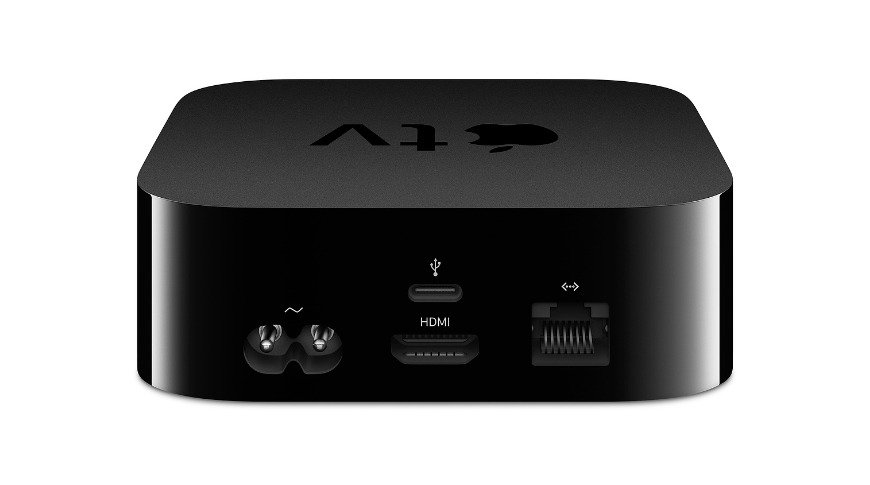
If your Apple TV is frozen, stuck on a screen, or not responding to the remote, a quick power cycle almost always fixes it.
Steps
- Locate the Apple TV box (usually in your equipment rack or behind/near the TV).
- Unplug its power cable.
- Wait 5 seconds.
- Plug it back in.
- Give it about 30 seconds to start back up.
Still frozen after restarting? Call us at (480) 739-9961.
Still need help? Call us at (480) 739-9961 — we can often fix things remotely.
Trouble Shooting not working?
With a Beyond Audio service plan, you can lean on us to help fix these issues. We monitor, maintain, and resolve issues fast — often before you notice them.
Explore Service Plans