
Help · Remotes & Control · Control4
Control4 Halo Remote Says “No Connection”
The Problem
The remote will not function or has a connection message on the screen.
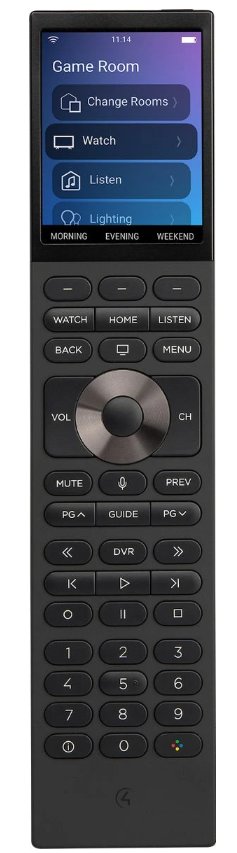
If your Control4 Halo remote shows “No Connection” or similar message, it usually just needs a quick reboot.
Steps
- On the Halo remote, press and hold the OFF button at the top right.
- Keep holding for about 5 seconds until the remote reboots.
- Let it restart and reconnect — this takes a few seconds.
If it still says No Connection after rebooting, your controller may need a restart too — give us a call at (480) 739-9961 and we can help remotely.
Still need help? Call us at (480) 739-9961 — we can often fix things remotely.
Trouble Shooting not working?
With a Beyond Audio service plan, you can lean on us to help fix these issues. We monitor, maintain, and resolve issues fast — often before you notice them.
Explore Service Plans