
Help · Internet & WiFi
WiFi Will Not Connect
The Problem
If your devices can’t get online, start by rebooting your internet modem.
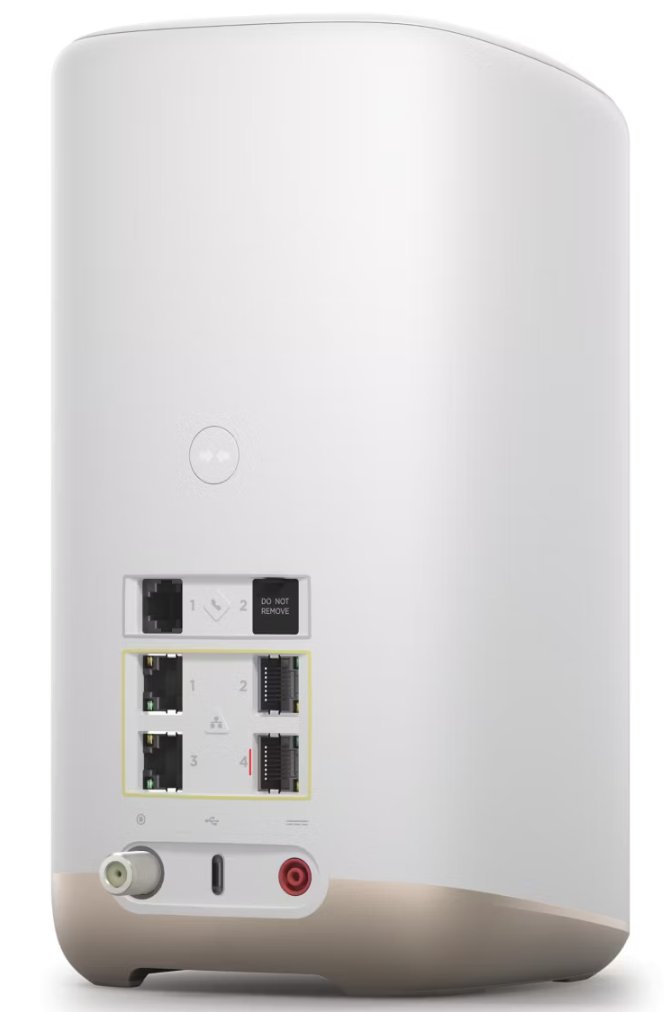
If your WiFi has dropped or devices will not connect, the fix is usually a quick reboot of your internet provider’s modem.
Steps
- Find your Cox/Internet Providers internet modem (the box where the internet line connects, it is probably at the rack).
- Unplug its power cable.
- Wait 30 seconds.
- Plug it back in and wait 2–3 minutes for all the lights to come back on solid.
- Your WiFi should reconnect automatically.
If it’s still not working after the modem fully restarts, give us a call at (480) 739-9961 and we’ll take a look.
Still need help? Call us at (480) 739-9961 — we can often fix things remotely.
Trouble Shooting not working?
With a Beyond Audio service plan, you can lean on us to help fix these issues. We monitor, maintain, and resolve issues fast — often before you notice them.
Explore Service Plans